Everything your Connect can do for you
Control your enclosures wherever you are, whenever you want, with whoever you choose. We gathered every manual, video and card in one place that is actually searchable.
- Manuals
- 0+Manuals
- Video tutorials
- 0+Video tutorials
- Step-by-step cards
- 0+Step-by-step cards
- Categories
- 0+Categories
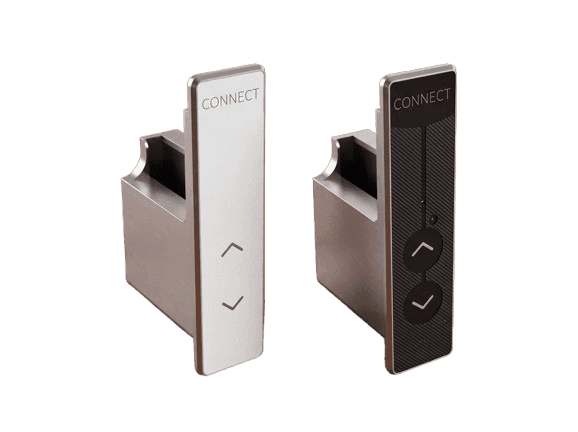
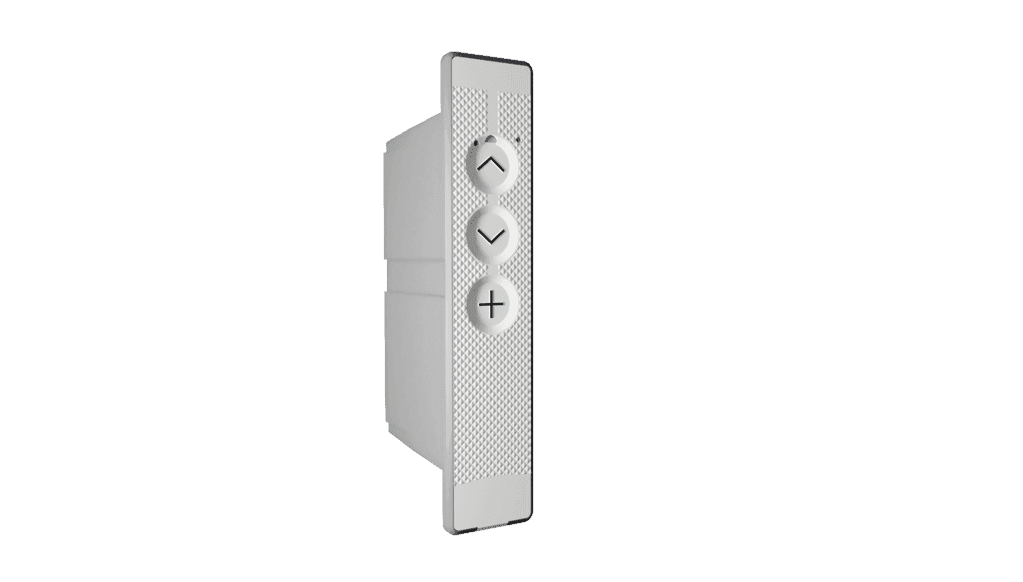
Devices in the ecosystem
Every piece of engineering, with its documentation one click away.
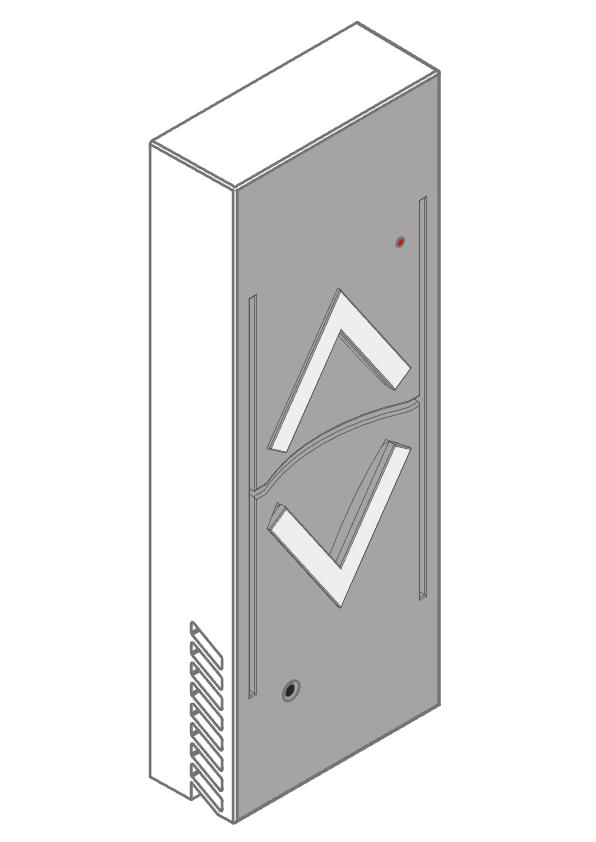
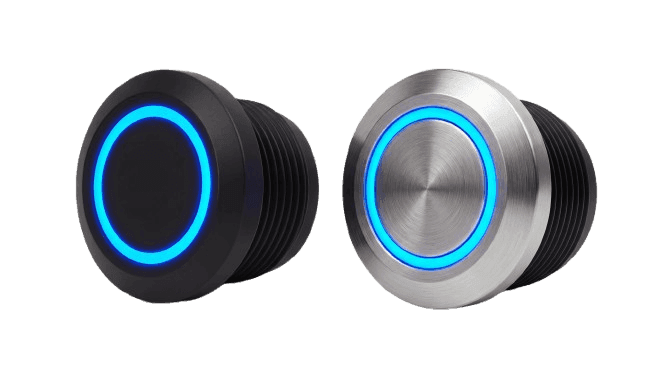
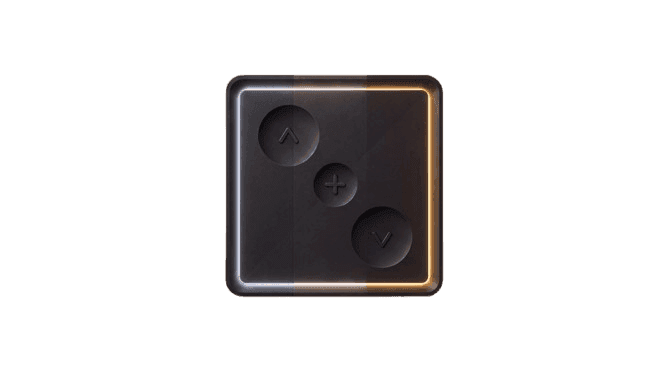
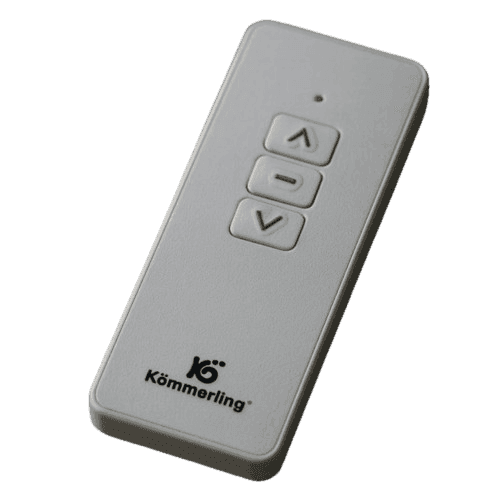
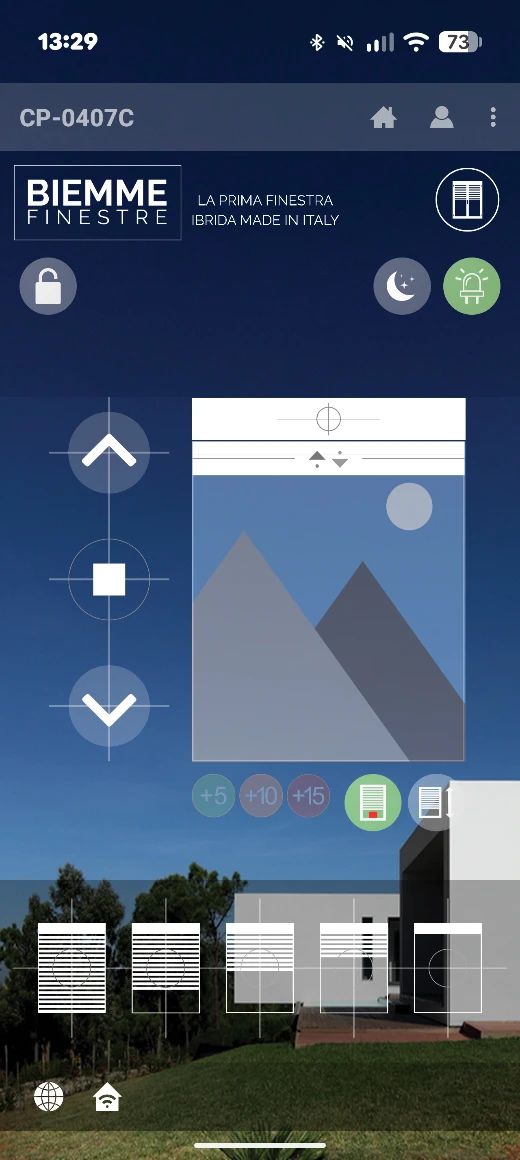
MySmartWindow: one control for the whole enclosure
IoT Fenster’s own app to control your shutters, sensors and alarms from anywhere, with every window’s digital twin always at hand.
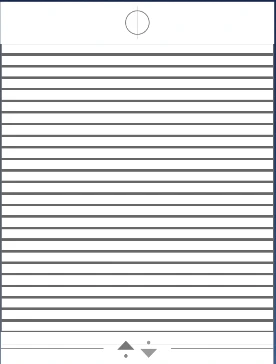
Digital twin
Every enclosure has an exact replica inside the app: its real-time status, whether you check it from the living room or from the other side of the world.
Lock mode
Block physical or remote control of a device when you do not want anyone moving it: handy for rentals, hotels or when there are children at home.
Lighting
Control the lighting connected to your IoT Fenster devices from the same app, alongside the shutter and the rest of the sensors.
Three formats, one same answer
Choose how you prefer to learn. The content is the same; the format is up to you.
The whole solution, under one roof
Electronics, firmware, cloud and app: every layer of the MySmartWindow ecosystem is designed here. That is why they fit together, and why we answer for them.
Electronics
We design our own devices to live inside the window profile, not hanging off a wall.
Firmware
The logic lives in the device: it keeps working when the connection drops, and updates over the air without touching the window.
Cloud
Every enclosure has its digital twin: its real state, right now, from the living room or from the other side of the world.
Browse the materials by category
Search across all the training material. Filter by category, format or device.
Works with what you already have
Look for our brand to integrate IoT Fenster devices into the ecosystems you already use at home.
Engineering you notice every day
Usability
Our enclosure engineering is designed to make life easier for manufacturers and end users alike.
Support
We provide technical support to prevent issues and keep the technology running properly.
News
Enclosure engineering and specialised home automation.
Frequently asked questions
What you ask us the most, answered in two lines.
The devices work on the 2.4 GHz band. If your router broadcasts 2.4 and 5 GHz under the same network name, split them temporarily or create a dedicated 2.4 GHz network for pairing.
Open
Everything your Connect can do for you
Search across all the training material. Filter by category, format or device.